



Gambloria App
Open the app and the cashier is right there, with the full welcome package already lined up for your first deposit. That combination of 4.9/5 from 29,401 reviews on Google Play, over 1,000,000 downloads and a #1 top in Casino badge tells you something real: a lot of people have already walked this path and stayed.
There is an Android app on Google Play, a progressive web app you can pin to any home screen, and a fully responsive site that handles everything from the live lobby to the cashier without a separate download. iPhone users land on the responsive site, which runs every HTML5 game in-browser just fine.

Welcome and mobile bonuses visible in-app
Open the Gambloria mobile app after your first deposit and the bonus lands automatically, no promo code, no support ticket. The welcome package runs across three deposits and totals up to €2,500 plus 250 free spins.
| Deposit | Match | Max bonus | Free spins | Min deposit |
|---|---|---|---|---|
| First | 100% | €1,500 | 150 (50/day over 3 days) | €15 |
| Second | 55% | €500 | 100 (50/day over 2 days) | €15 |
| Third | 100% | €500 | None | €15 |
Free spins run on Gates of Olympus, Aztec Magic, Aztec Magic Deluxe, Johnny Cash, Platinum Lightning and Platinum Lightning Deluxe. Each stage credits automatically after the qualifying deposit clears.
App users get access to app-exclusive offers on top of the standard promotion calendar. Check the promotions hub after logging in: mobile-only bonuses appear there and are not always listed on the main desktop page.
Beyond the welcome package, weekly cashback runs up to 25% and rakeback reaches up to 18% on slot bets with no cap on the amount earned or on winnings from it. Those are standing offers, not one-time events.
Mobile-Optimized Demo Games
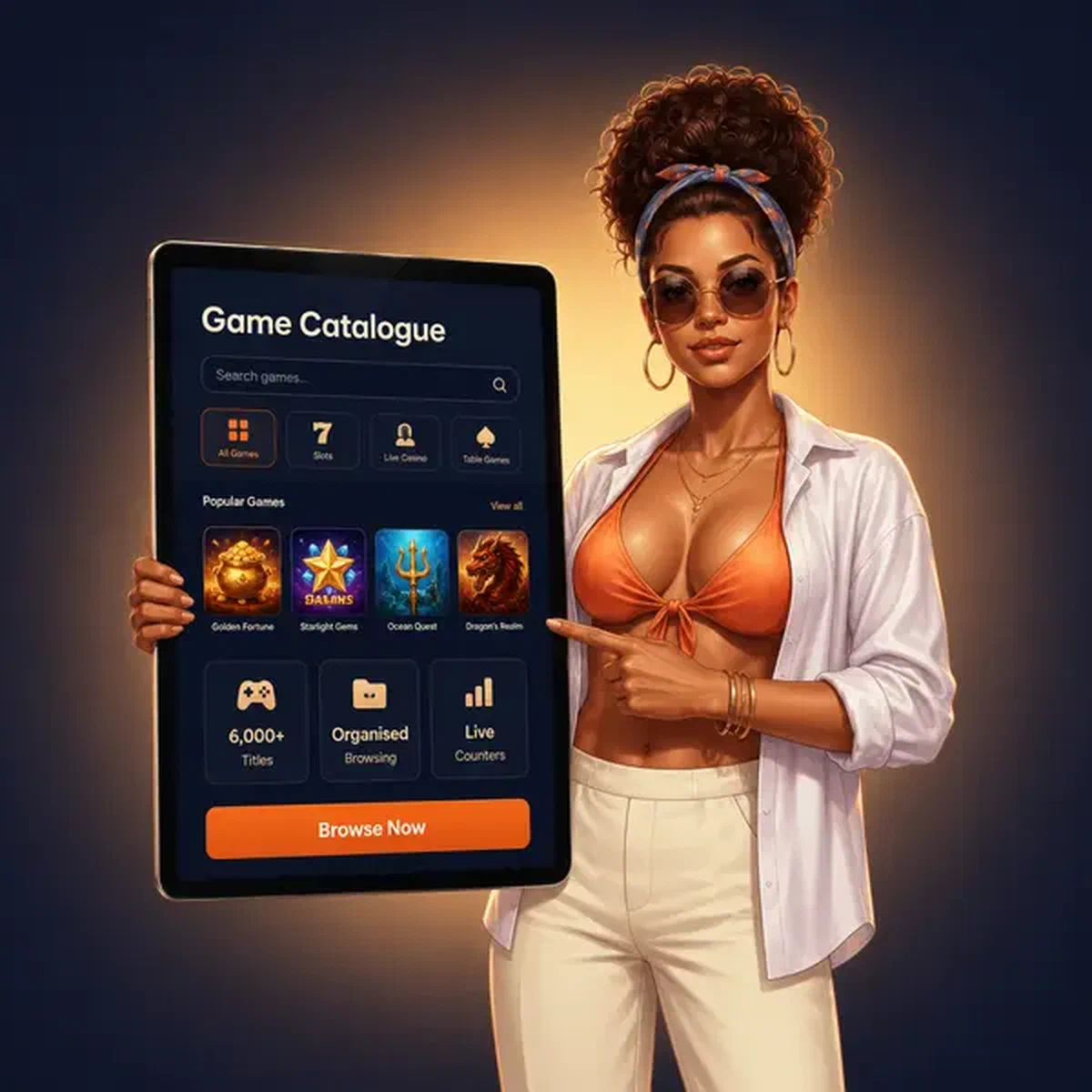
6,000+ games in your Gambloria casino app lobby
6,000+ games from 96 providers, organised into named shelves with live title counters so you can see exactly how many games sit in a category before you tap into it. Bonus Buy alone holds roughly 1,634 titles. From there the shelves break out into about 358 live titles, 114 book-themed slots, 81 Drops & Wins slots, 80 trending, 80 new releases, 66 jackpot games and a tight 16-game Exclusive shelf.
That structure matters on mobile because you rarely want to scroll a flat list of six thousand titles. The shelf system turns browsing into something closer to choosing a section in a record shop: you know roughly where you are, and the counter tells you whether the section is worth your time.
Portrait-mode slots and crash games
A specific set of titles is built for one-handed portrait play, which is a different thing from a desktop slot that happens to load on a phone.
- Portrait-mode optimised slots, Plinko and jackpot-wheel titles designed for vertical screens
- 140+ instant win games across the catalogue
- Chicken Road 2 (Gambloria Originals): the crash-style original built in-house
- RedJet (Gamzix): a crash title from an external studio
- Plinko Birds (Belatra) and Golden Plinko (Belatra Games): two Plinko variants with different volatility profiles
- Chicken Coin and Ice Fish (both Gambloria Originals) for shorter-session crash play
Exclusive and original titles
The 16-title Exclusive shelf carries games from Maybrix, Alfa Games Studio, Good Luck Games and Amiry Games, none of which you will find packaged together anywhere else. Separately, the Originals shelf holds approximately 61 in-house titles built under the Gambloria Originals label.
- Chicken Road 2: the follow-up to the original crash game
- Joker’s Clash: a card-mechanic original
- Ice Fish: a fishing-style instant game
- Chicken Road: the first in the series
- Chicken Coin and Penalty Nations Cup round out the sports-themed original line
If you are on an iPhone, the responsive site carries the same Originals and Exclusive shelves. There is no iOS app on the App Store, but the in-browser experience runs the full catalogue.
Download Gambloria and first launch
The Android app is the most direct route. Here is how the install goes:
- Open Google Play and search for Gambloria, or tap the Casino App control anchored to the lower-right corner of any page on the site. Either takes you to the same listing, published by IGAMING AGENCY.
- Tap Install. The app carries an 18+ content rating and the #1 top in Casino, Slots and Single player badges on the store page.
- Open the app, tap Register and complete the account form. If you already have an account, just log in.
- Head to the cashier to make your first deposit. The welcome bonus credits automatically once the deposit clears, no code required.
If you are on iPhone or prefer not to install anything, the progressive web app is the alternative. Tap the same Casino App control on the site, follow the browser prompt to add to your home screen, and you get an app-like icon that opens straight to the lobby. Browser push notifications work through the same route, toggled in your browser permissions.
Mobile payments and deposits
Apple Pay and Google Pay are both available, which means a deposit can clear in a few taps without entering card details. The minimum deposit sits at around €20 depending on your country and method, though €15 qualifies for each stage of the welcome package. We charge no fees on deposits or withdrawals from our side.
| Method | Type | Notes |
|---|---|---|
| Apple Pay | Mobile pay | Instant, tap-to-pay |
| Google Pay | Mobile pay | Instant, tap-to-pay |
| Visa / Mastercard | Card | Standard processing |
| Skrill / Neteller | E-wallet | Availability varies by country |
| Revolut | E-wallet | Availability varies by country |
| Paysafecard | Voucher | Prepaid, no bank link needed |
| BTC, LTC, ETH | Crypto | Up to 72 hours casino-side, then network confirmation |
| USDT, USDC, DOGE, TRX | Crypto | Same processing window |
Crypto is the fastest route out: withdrawals process up to 72 hours on our side, then move straight to your wallet without an intermediary bank step. The account holds multiple currencies at once, so if you deposit in GBP and want to play in EUR, both sit in the same account without needing a separate wallet.